Oracle internship project
As a UX Design Intern at Oracle, I had the opportunity to tackle a complex, multi-user problem while having the flexibility to explore thoughtful solutions that balanced the Redwood Design System with my own creative approach.
Team
Redwood Design System (RDS) in the Human-centered AI & Search team
Role
UX Design Intern
Duration
6 months

As a UX design intern at Oracle, I had the opportunity to design a shortcut for one of the most important components in our products to enhance the user experience and make it more accessible. This was the perfect chance to work on a real-life project, enabling me to apply all aspects of the design thinking methodology.
The Oracle internship program offered far more than just working on a project. It was a valuable learning experience in terms of UX, design and teamwork.

Project overview
My project centered on designing a shortcut for an AI component of the Redwood Design System, I was part of the Human-centered AI & Search team. The project focused on improving the accessibility of a AI component , particularly for users who rely heavily on their keyboard for navigation, as well as for users with impairments who only use their keyboard for navigation. The aim was to provide these users with a way to access the component without disrupting their workflow and improving their efficiency.
Responsibilities
Throughout the project, I designed a shortcut for both internal and external users. I led the entire design process, conducting research, exploring ideas, refining solutions and creating prototypes, all the while considering future growth. Working alongside cross-functional teams, stakeholders, the RDS team and my mentors was invaluable, offering different perspectives on the project and improving my understanding of the problem that the shortcut aimed to solve.
Problem statement
The efficiency and focus of users is compromised because they have to go through all the elements on the page to reach the desired component. If the page is full of elements, the amount of effort required increases, which affects their workflow.
User profile
The project aimed to design a user-friendly shortcut, so defining its target user profile was essential. The focus was on users who navigate using their keyboard, either by choice or due to a physical accessibility need. Since keyboard navigation can be faster and more ergonomic than mouse navigation, the project also had an accessibility focus.
What's the process when you're designing a shortcut?
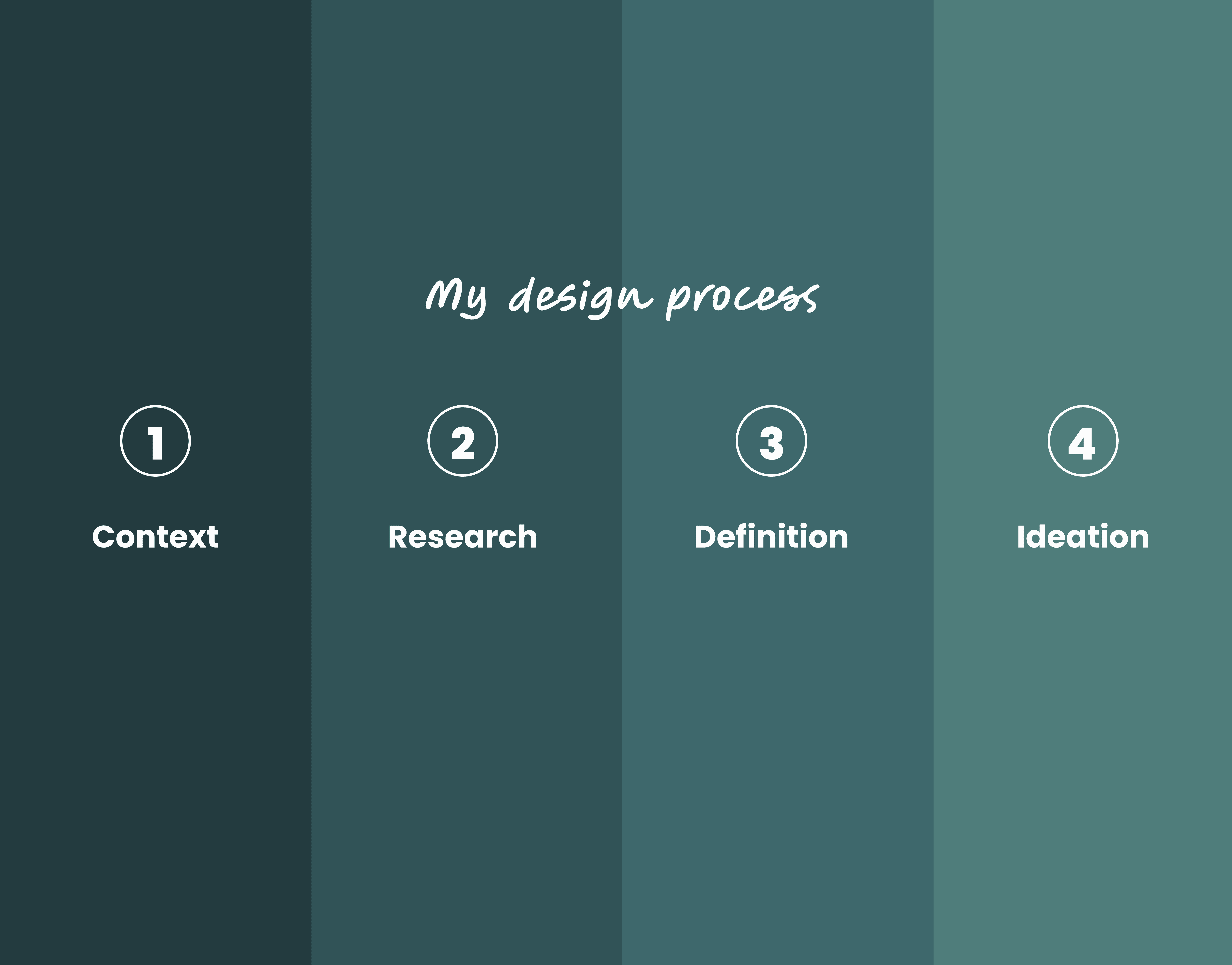
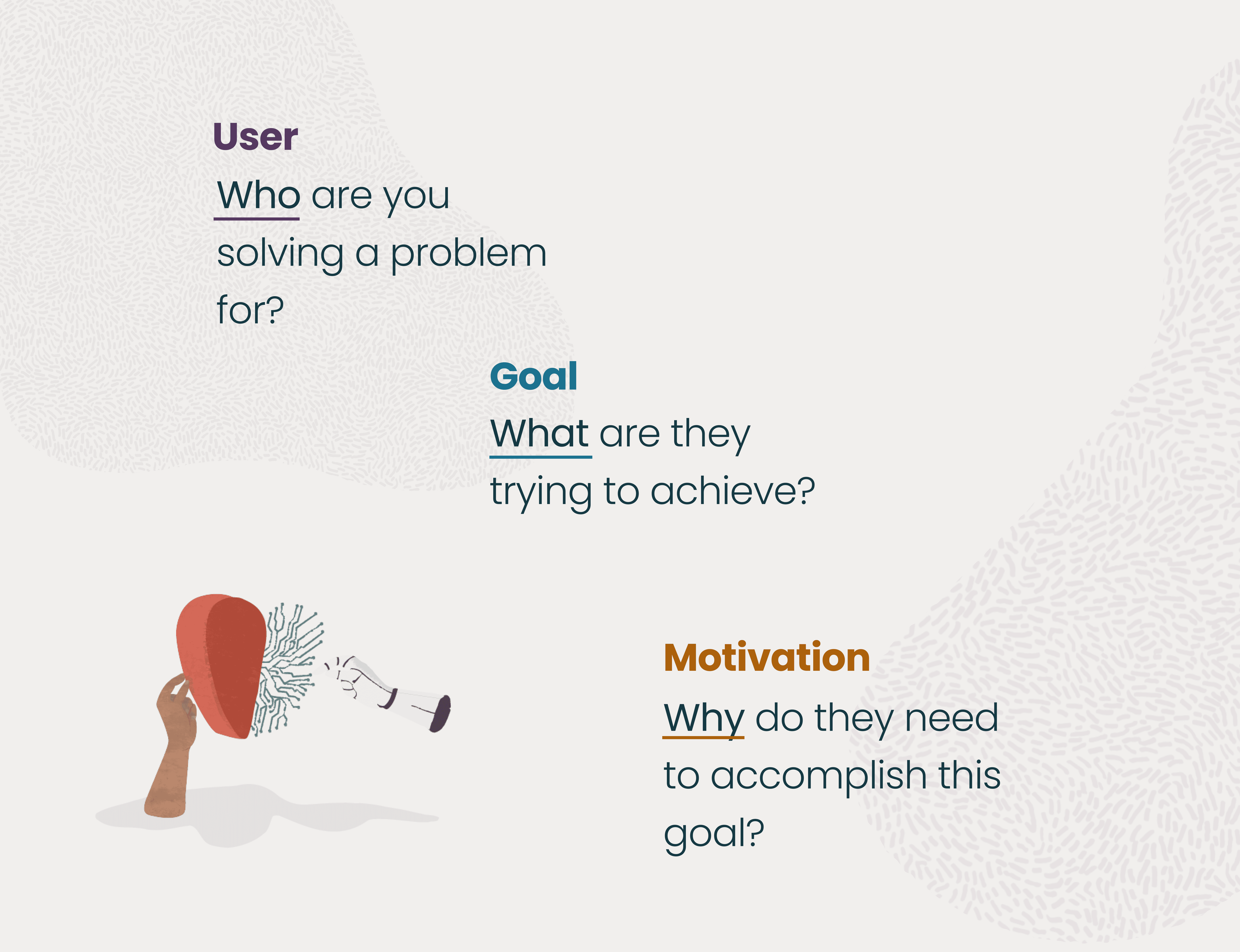
For the first part I focused on understanding the problem, the users, and the context. Understanding the users and their interaction with technology was very important to me. I wanted to understand their emotional experience and the impact of shortcuts when a user only navigates with their keyboard. The intention was to empower users with accessibility needs and provide them with a positive experience that goes beyond the technical aspects. The aim was to start generating an impact on how to design with all users in mind.
Once I had a complete understanding of the situation, I realised the importance of researching what the competitors were doing in this area. I wanted to understand the current situation with shortcuts, and whether products take users with accessibility needs into account. This involved conducting theoretical research and starting to interact with technology using only a keyboard, in order to understand the reality these users face.
As part of the research, I immersed myself in the world of shortcuts relating to every element involved in working with web products. How do assistive technologies work? For example, how do screen readers such as JAWS or VoiceOver work, and how can the keyboard layout change if the user works with a different setup?
After extracting the insights, I could define the characteristics the shortcut needed to have, as well as its main function. At this point it was vital for me to allow every profile of user to have a smooth interaction by having a clear
Only once I had completed these steps could I start designing the interaction that the shortcut would have.
*Since the project began, I have collaborated with various teams and professionals specialising in accessibility and other subjects to validate proposals and information, and to further refine the project.
Research
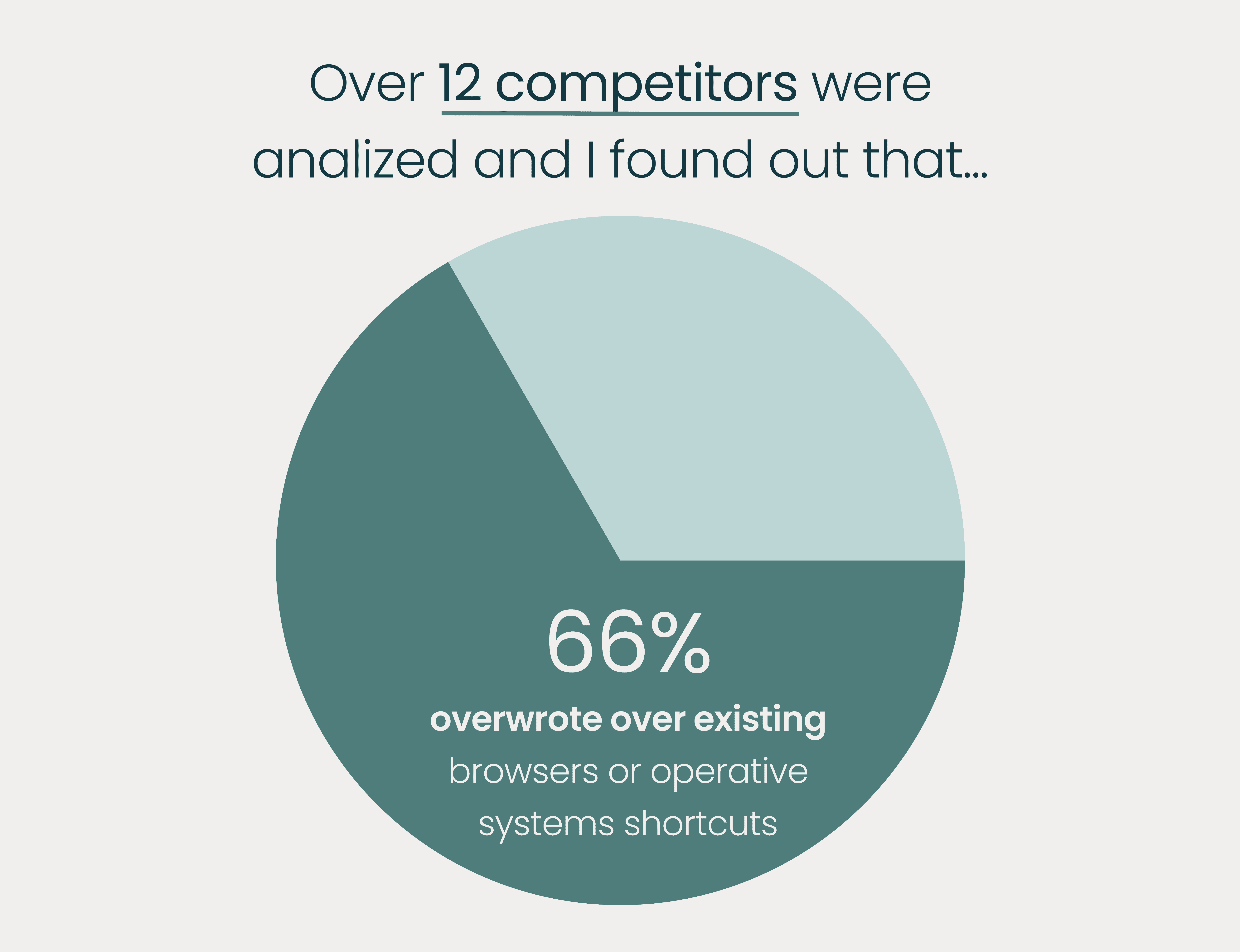
During this stage, I concentrated on comprehending the background of shortcuts, how they are applied in various situations, what is involved in designing a shortcut, and if other companies have shortcuts for their products. For this I analized over 12 competitors.
Key insights found during the research
Part of the competitors provide the same shortcuts that some browsers already use.
5 out of 12 competitors don’t fully offer a complete compatibility with screenreaders (like JAWS).
Some shortcuts change depending on the app being used, which creates confusion for users as the company has assigned an existing shortcut to an action, but this changes depending on the product.
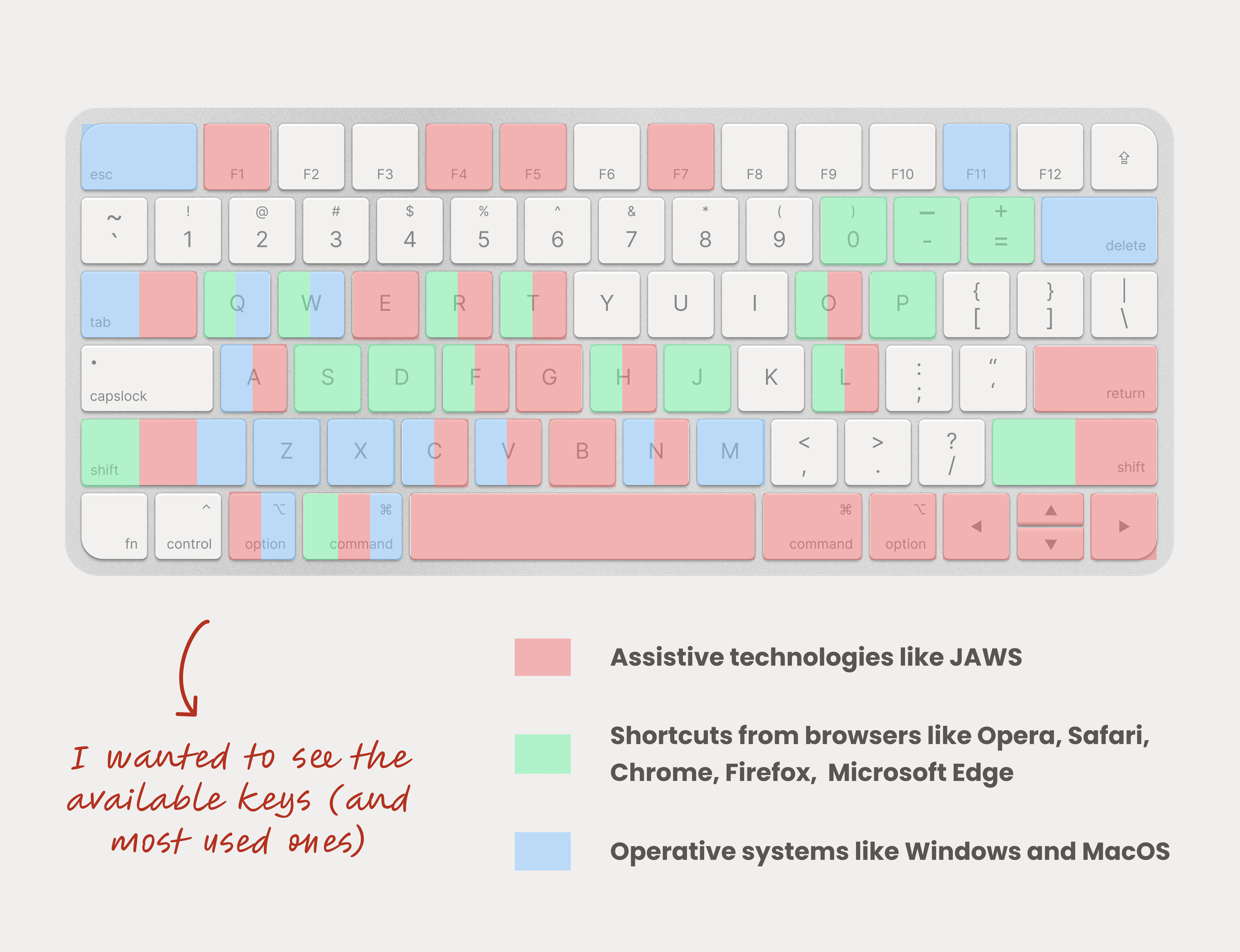
They recycled existing browser or operating system shortcuts and assigned them to their own actions, thereby disabling the original shortcuts or creating glitches with their own.
Some companies claim to have shortcuts available, but when users try to use them, they either don't work or activate something else.
Defining the shortcut
By conducting this extensive research, I gained a better understanding of the importance of shortcuts and their impact on user satisfaction. Shortcuts enable users to access the features they need immediately, improving their efficiency and overall experience by removing the need to tab through the rest.
In terms of accessibility, shortcuts empower users who navigate with their keyboard due to accessibility issues. They provide more visibility and allow users to interact with technology more efficiently. Ultimately, enabling users to save time by providing quick access will have a positive impact on their lives.
So for this shortcut to avoid commiting the same mistakes as others, is was important to define the principles for it, that why the shortcut had to be simple, ergonomic, constant and memorable.
Simple because we needed a shortcut that is easy to action, when a shortcut has to many key combinations it can create more friction instead of efficiency.
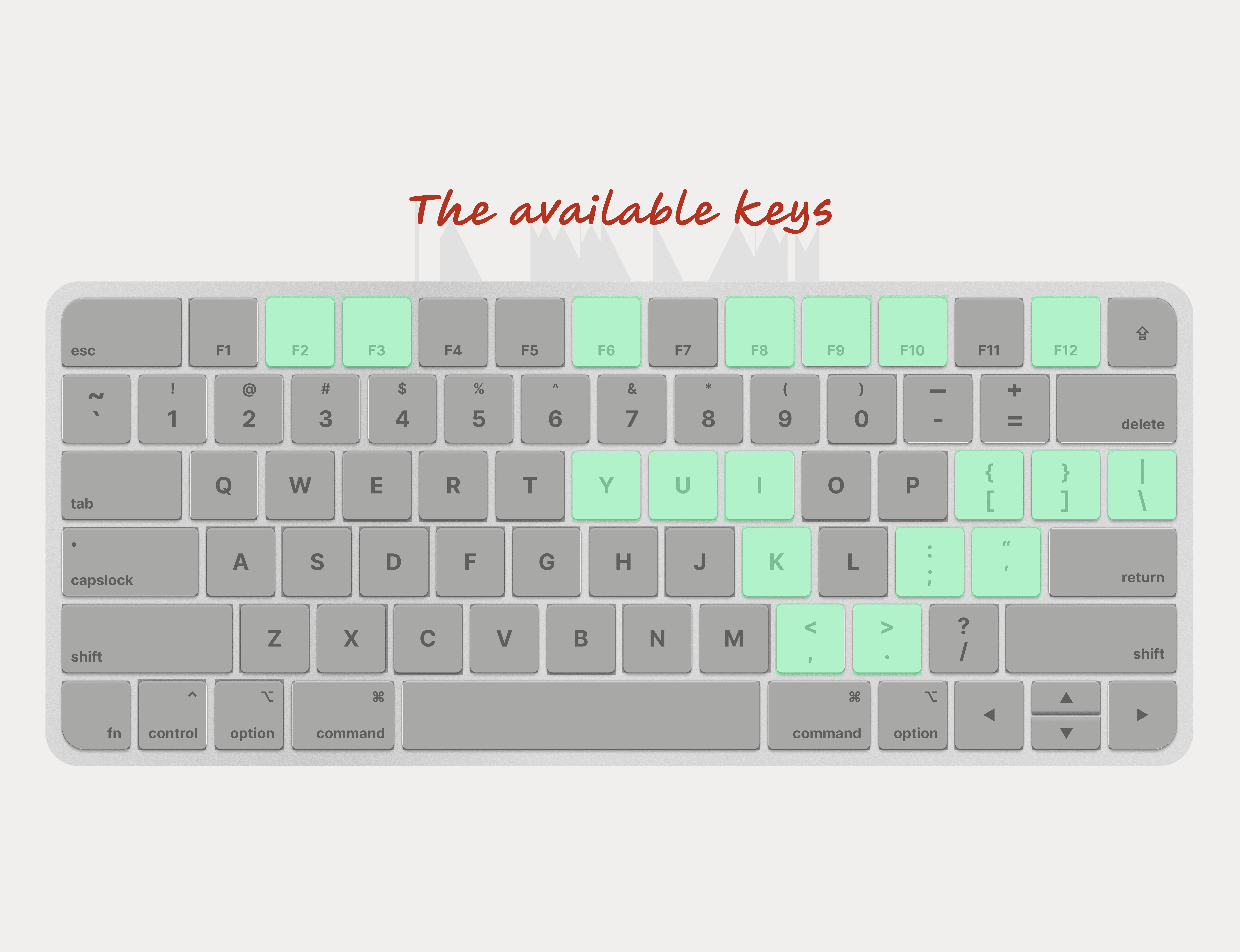
Ergonomic by having in mind that the key combination is possible to digit under any scenario, if the user has any accessibility need.
Constant since the goal is to provide a shortcut that won't change in any other platform, browser, operative system, making the experience less frustrating.
Memorable because using familiar concepts will help the users to easily remember this shortcut, by designing it for being simple and consistent.
In the end, I presented a prototype that showcased how the shortcut would interact. At the same time, I wanted to emphasise how much more efficient the shortcut would make users because of the number of steps it would save them.
Reflection
By the end of the project, I designed a feature focused on making the experience more accessible while genuinely improving how users interact with the product. Overall, it was an incredibly rewarding experience. I want to share some of the key learnings I gained not only from this project, but from the internship as a whole:
Designing a feature that works for all users across different products can be challenging. Collaborating with multiple teams was essential, as the solution needed to adapt to different use cases and could not be limited to just one type of user.
Taking every aspect into consideration was essential to avoid creating additional problems. Since Oracle works across multiple products and features, every detail needed to be kept in mind.
Great design comes from feedback. Working with designers, cross-functional teams, and managers helped shape the project and guide it in the right direction.
An important lesson was learning that it’s okay to ask for help. As interns, we tend to feel like we are on our own but our mentors, teams, and managers play a key role in guiding us, helping us stay aligned with user goals, and empowering us to take ownership of our work.
Other projects
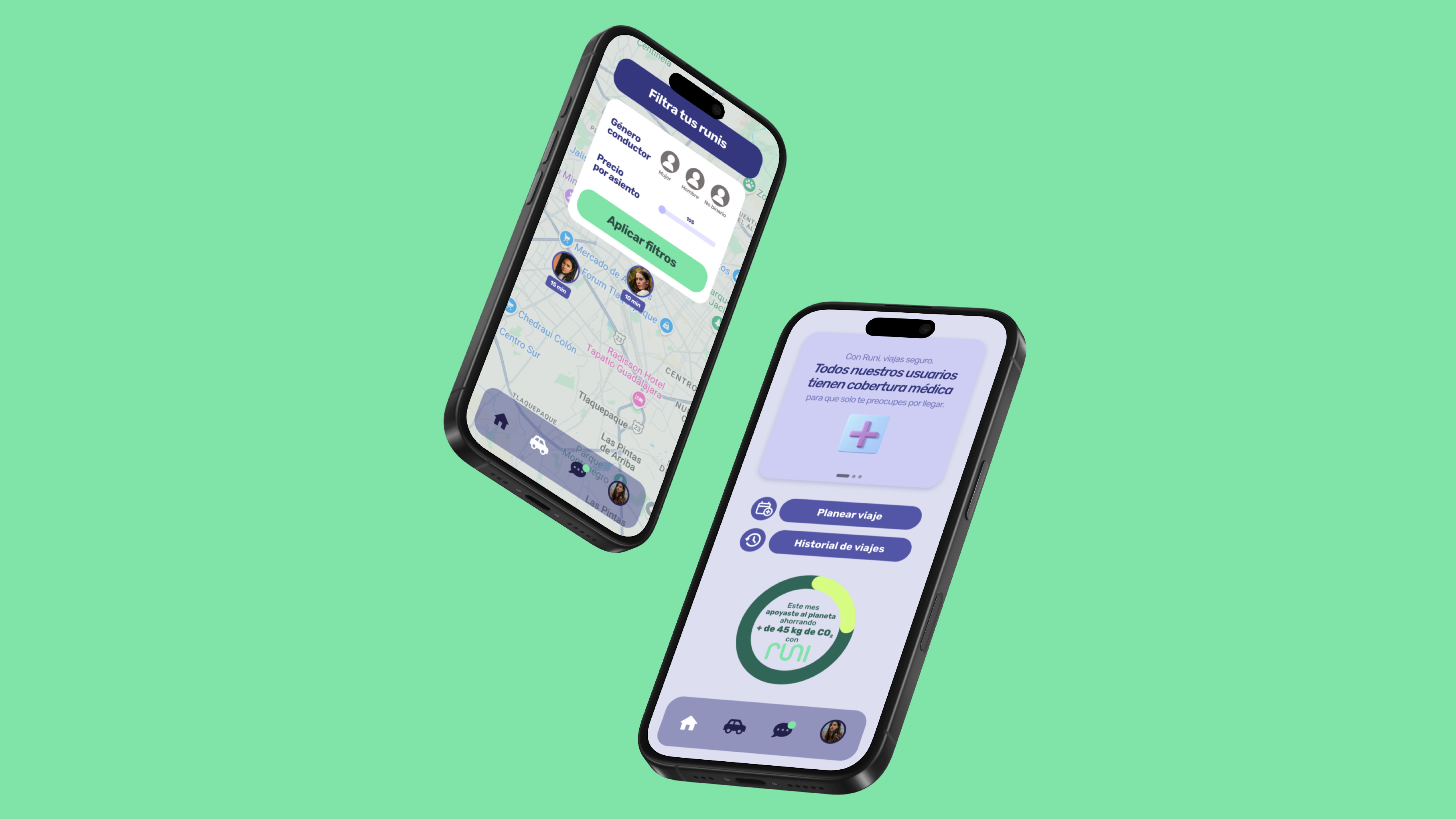
Runi project: Carpool App for college students
Through an application, we will provide the university network with the opportunity to organize shared trips, satisfying the needs of the university network.
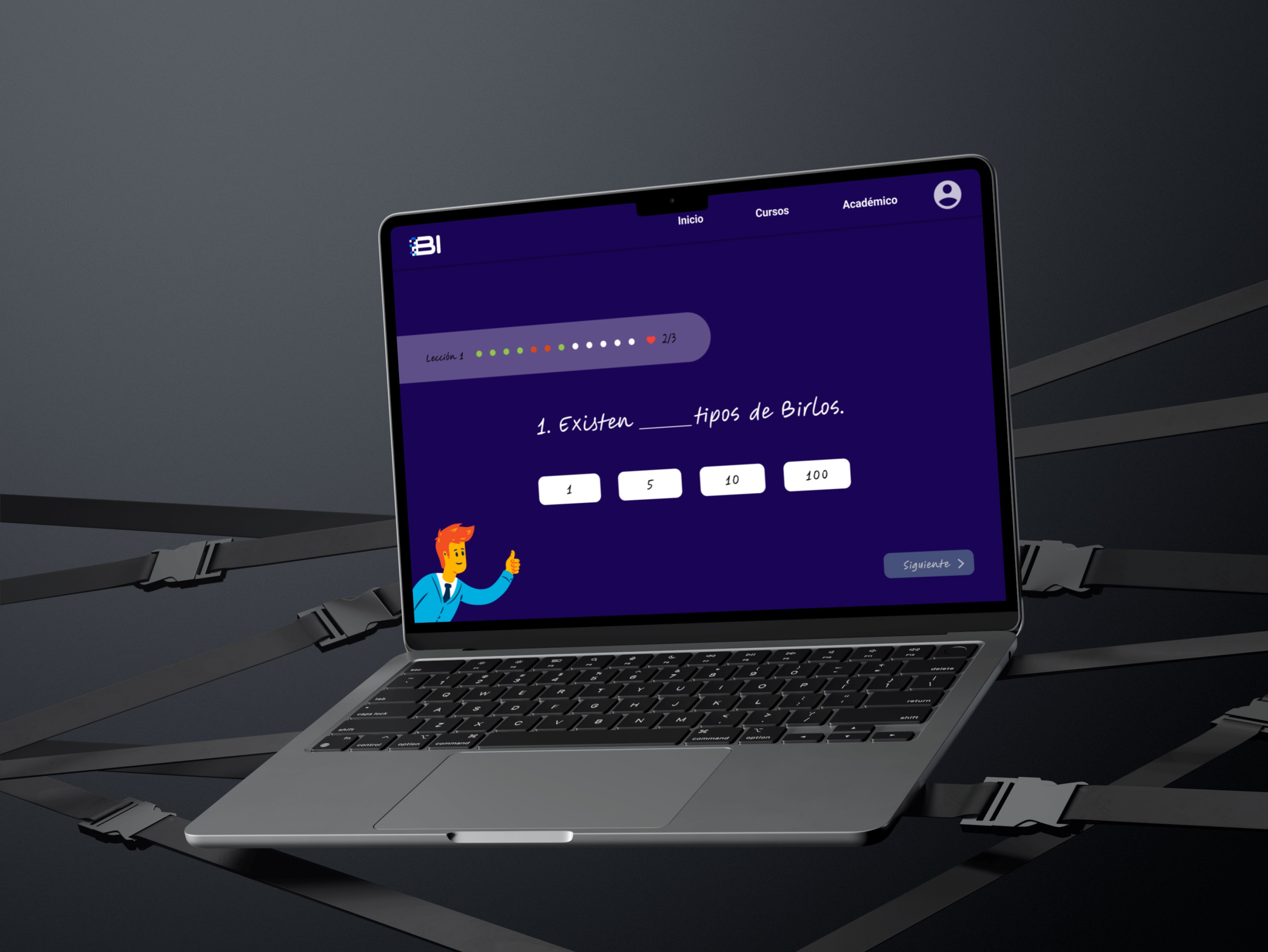
Internship project: UI Design for a Financial learning platform
Designing a financial learning platform to teach business administration and management, from concept to prototype.
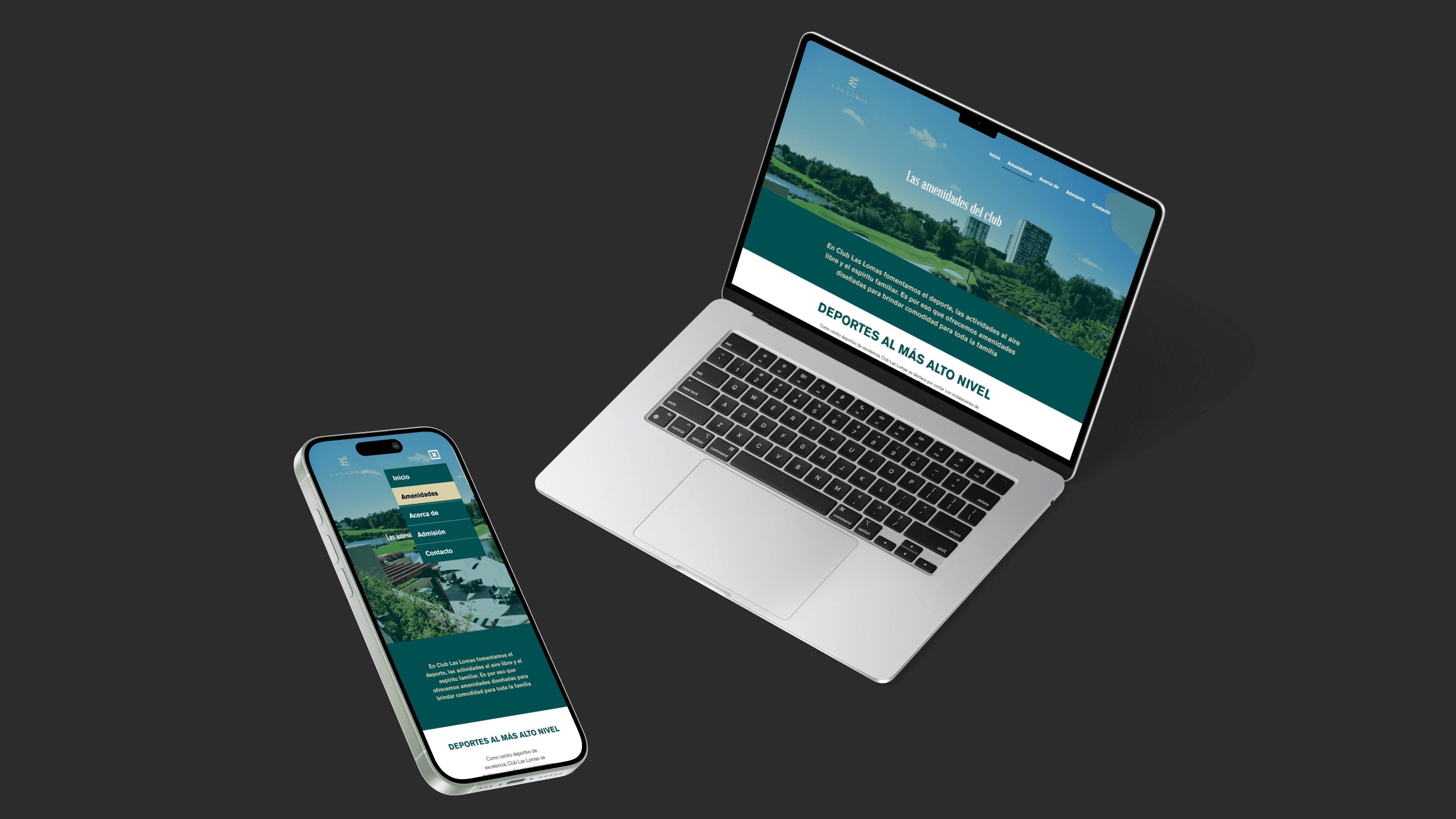
Internship project: Responsive Wordpress site for a Golf Club
Designing the experience this Golf Club offers through a website aligned to their brand.